+91 9898181101
 +1 (647) 971-4687
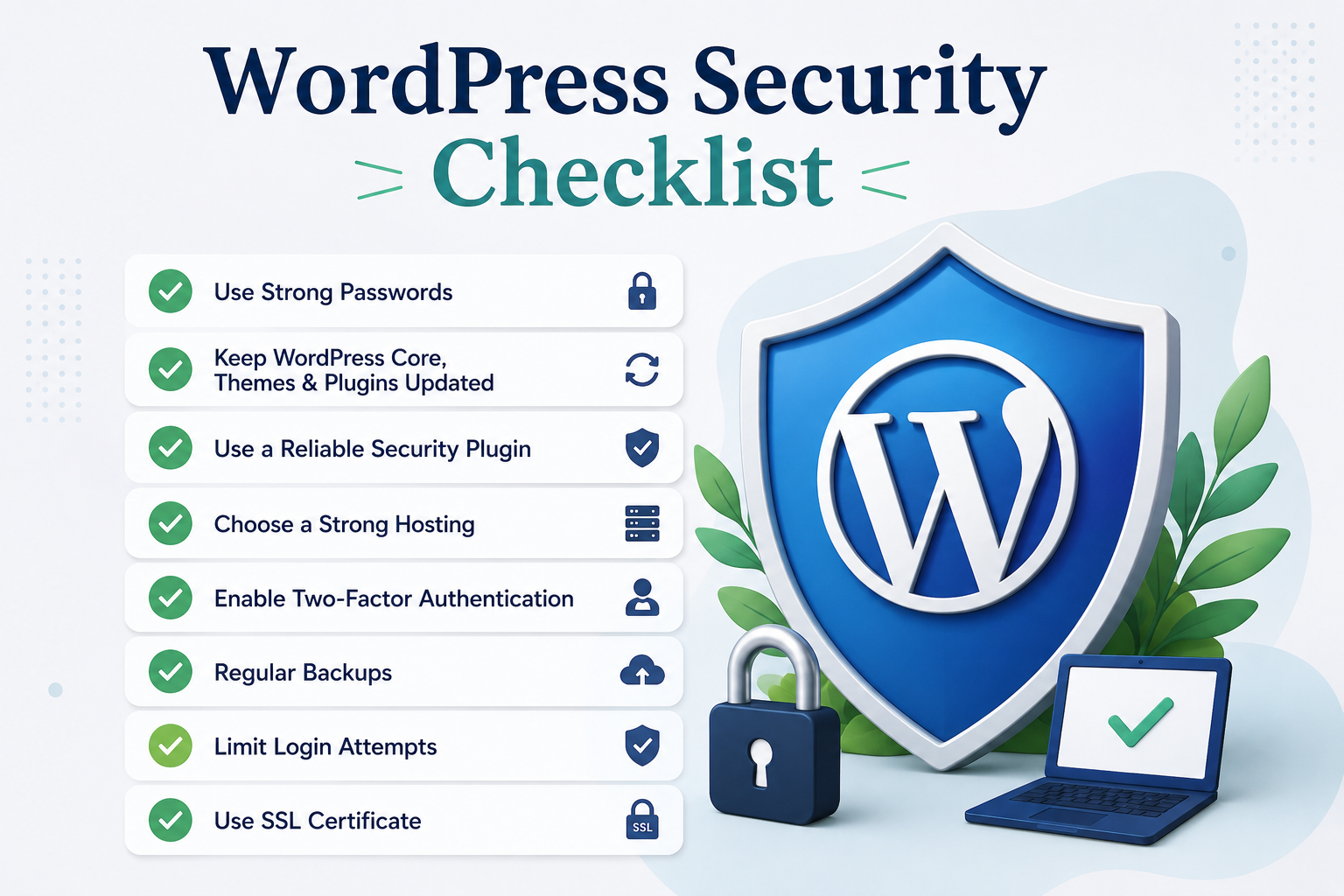
WordPress Security Checklist
WordPress powers millions of websites worldwide, making it the most popular content management system on the internet. Its flexibility, scalability, and extensive ecosystem make it a preferred choice for startups, SMEs, enterprises, and growing businesses. However, its popularity also makes it one of the most targeted platforms for cyberattacks.
Cybersecurity is no longer an IT concern alone. For business owners, founders, CTOs, and decision-makers, website security directly impacts customer trust, brand reputation, operational continuity, and revenue. A compromised website can lead to data theft, SEO penalties, lost sales, and significant recovery costs.
According to various cybersecurity industry reports, thousands of websites are attacked every day, and outdated software remains one of the leading causes of successful breaches. The good news is that most WordPress security incidents can be prevented through proactive maintenance and best practices.
This comprehensive WordPress Security Checklist will help you strengthen your website’s defenses, minimize vulnerabilities, and ensure long-term digital resilience.
Why WordPress Security Matters More Than Ever
Businesses increasingly rely on digital platforms for lead generation, sales, customer support, and operational workflows. A security breach can disrupt all these activities within minutes.
Hackers target websites for various reasons, including data theft, ransomware deployment, SEO spam, cryptocurrency mining, and phishing attacks. Even smaller websites are not immune because attackers often use automated tools to scan for vulnerabilities.
A secure WordPress website not only protects sensitive information but also improves customer confidence, search engine performance, and overall business continuity.
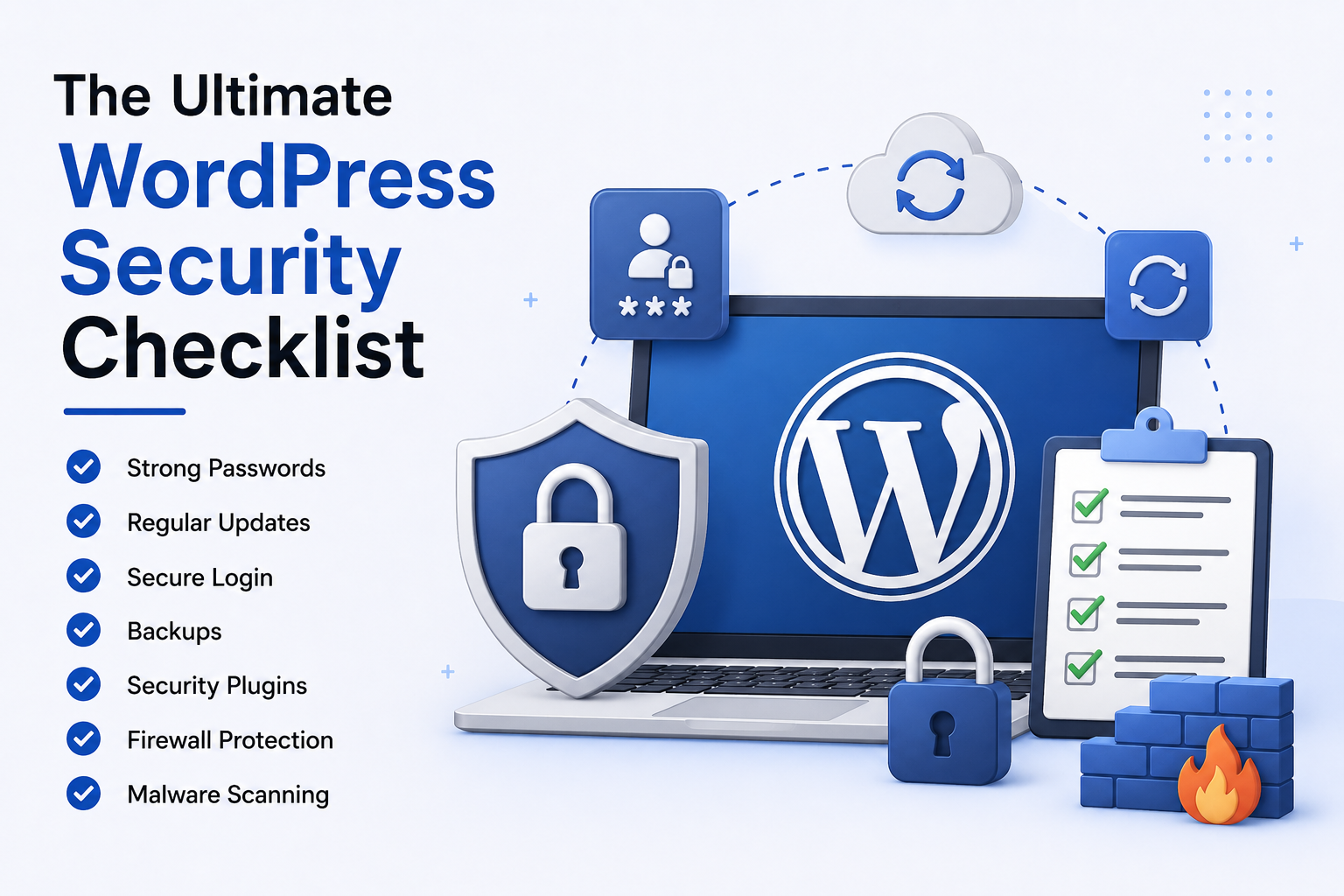
The Ultimate WordPress Security Checklist
Implementing the following security measures can significantly reduce your risk exposure and help maintain a safe online environment.
1. Keep WordPress Core Updated
One of the simplest yet most effective security practices is keeping WordPress updated. Core updates frequently include security patches that address newly discovered vulnerabilities.
Running outdated versions creates opportunities for attackers to exploit known weaknesses. Enable automatic updates when possible and establish a maintenance schedule for regular reviews.
Businesses investing in professional WordPress Development Services often benefit from structured update management and proactive monitoring.
2. Update Themes and Plugins Regularly
Plugins and themes extend WordPress functionality, but they can also introduce security risks if not properly maintained. Outdated or abandoned plugins remain one of the most common entry points for cybercriminals.
Before installing any plugin, review its update history, ratings, compatibility, and developer reputation. Remove unused plugins and themes entirely rather than simply deactivating them.
Official resources from WordPress Plugin Directory can help identify reputable extensions.
3. Use Strong Login Credentials
Weak passwords continue to be a major cause of website compromises. Attackers frequently use automated brute-force attacks to guess login credentials.
Create complex passwords that combine uppercase letters, lowercase letters, numbers, and special characters. Avoid using common words, business names, or predictable patterns.
Additionally, replace the default “admin” username with a unique administrator account to reduce exposure.
4. Enable Two-Factor Authentication (2FA)
Two-factor authentication adds an additional verification layer beyond passwords. Even if login credentials are stolen, attackers cannot easily access accounts without the second authentication factor.
Many WordPress security plugins support authentication through mobile apps, SMS verification, or email-based codes.
For organizations managing multiple users, 2FA is one of the highest-value security investments available.
5. Install a Trusted Security Plugin
Security plugins provide essential protection through malware scanning, firewall functionality, login protection, vulnerability monitoring, and real-time threat detection.
While security plugins should not replace good security practices, they serve as an important defensive layer that can identify suspicious activity before significant damage occurs.
Select a solution that receives regular updates and offers comprehensive monitoring capabilities.
6. Implement a Web Application Firewall (WAF)
A Web Application Firewall filters malicious traffic before it reaches your website. This helps block common attack vectors such as SQL injection attempts, cross-site scripting attacks, and brute-force login requests.
Many enterprise organizations consider WAF deployment a standard security requirement because it provides proactive protection against evolving threats.
Cloud-based firewall services can also improve website performance by reducing server load and filtering unwanted traffic.
7. Use Secure Hosting Infrastructure
Your hosting provider plays a critical role in website security. Choosing a reliable hosting environment with strong security practices reduces many infrastructure-related risks.
Look for hosting providers that offer automatic backups, malware scanning, DDoS protection, server-level firewalls, and proactive security monitoring.
Business-critical websites should prioritize security and reliability over cost savings when selecting hosting services.
8. Enable SSL Certificates
SSL certificates encrypt data transmitted between users and your website. This protects sensitive information such as login credentials, payment details, and customer data.
Search engines also favor HTTPS-enabled websites, making SSL implementation important for both security and SEO.
You can verify proper SSL implementation using tools provided by organizations such as SSL Labs.
Protecting User Access and Permissions
9. Follow the Principle of Least Privilege
Not every user requires administrator access. Assign permissions based on actual responsibilities and regularly review user roles.
Limiting access reduces the likelihood of accidental errors, insider threats, and unauthorized modifications.
For growing organizations, establishing a role-based access policy can significantly improve operational security.
10. Remove Inactive User Accounts
Former employees, contractors, and inactive users can become security liabilities if their accounts remain active.
Conduct periodic audits to identify unnecessary accounts and remove access promptly when roles change.
This simple practice helps reduce your overall attack surface.
Backup and Recovery Planning
11. Schedule Automatic Backups
Backups are your safety net when unexpected incidents occur. Whether caused by hacking, server failures, or human error, reliable backups can dramatically reduce downtime.
Store backups in multiple secure locations, including offsite or cloud-based storage platforms.
Ensure backup schedules align with website activity levels and data update frequency.
12. Test Backup Restoration Procedures
Many organizations discover backup problems only after a disaster occurs. Regular testing confirms that recovery processes work as expected.
A backup is only valuable if it can be restored quickly and accurately when needed.
Create documented recovery procedures and assign responsibilities to appropriate team members.
Advanced Security Measures for Growing Businesses
13. Monitor Website Activity Logs
Activity logs provide visibility into user actions, login attempts, content changes, and administrative activities.
Monitoring these logs helps identify suspicious behavior early and supports incident investigations when security events occur.
Organizations handling sensitive customer data should consider activity monitoring an essential security control.
14. Limit Login Attempts
Brute-force attacks rely on repeated login attempts to guess passwords. Limiting failed login attempts can significantly reduce this risk.
Many security solutions automatically block IP addresses that exceed predefined login thresholds.
This creates an additional barrier against automated attacks.
15. Disable File Editing in WordPress
By default, WordPress allows administrators to edit theme and plugin files directly from the dashboard. While convenient, this feature can become dangerous if administrative access is compromised.
Disabling file editing prevents attackers from easily injecting malicious code through the admin panel.
This configuration change is simple but highly effective.
Essential Security Practices Every Organization Should Follow
- Perform regular security audits and vulnerability assessments.
- Use strong passwords and enable two-factor authentication.
- Maintain automated backup and recovery procedures.
- Keep WordPress core, plugins, and themes updated.
- Monitor website activity and suspicious login attempts.
Common WordPress Security Mistakes to Avoid
Ignoring Update Notifications
Postponing updates may seem harmless, but delayed patching leaves known vulnerabilities exposed to attackers.
Organizations should establish clear maintenance schedules to ensure updates are applied promptly.
Installing Too Many Plugins
Every plugin increases complexity and potential attack surfaces. Focus on quality rather than quantity.
Only install plugins that provide genuine business value and come from trusted developers.
Failing to Monitor Security Alerts
Security warnings often provide early indicators of attempted compromises. Ignoring alerts can allow small issues to escalate into major incidents.
Implement monitoring processes and designate responsibility for reviewing security notifications.
The Business Impact of Strong WordPress Security
Effective website security delivers benefits far beyond technical protection. It strengthens customer trust, improves operational stability, supports regulatory compliance, and protects valuable business assets.
For organizations pursuing digital transformation initiatives, cybersecurity should be integrated into every stage of website development and maintenance.
A secure digital presence demonstrates professionalism and commitment to protecting customer information.
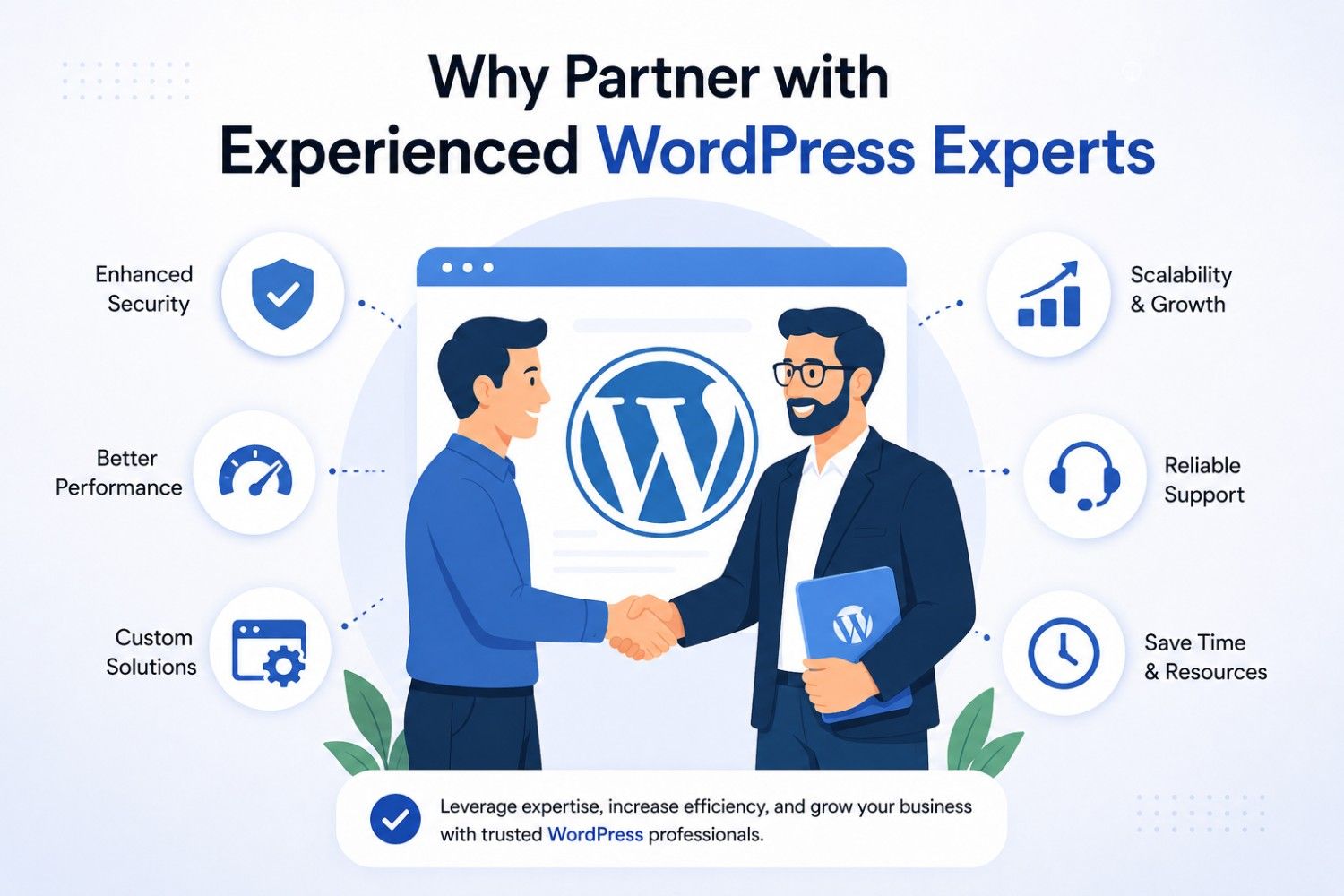
Why Partner with Experienced WordPress Experts
Managing WordPress security requires ongoing attention, technical expertise, and proactive monitoring. As websites grow more complex, many businesses choose to work with specialized development partners.
An experienced team can implement advanced security controls, conduct audits, monitor vulnerabilities, optimize performance, and ensure compliance with industry best practices.
Whether you’re launching a new website or strengthening an existing platform, professional WordPress development services can help build a secure and scalable foundation for long-term growth.
Conclusion
WordPress remains one of the most powerful and versatile website platforms available today. However, maintaining a secure environment requires consistent effort, proactive planning, and adherence to proven best practices.
By following this WordPress Security Checklist, businesses can significantly reduce vulnerabilities, protect sensitive information, and ensure uninterrupted digital operations. From regular updates and strong authentication to backups and advanced monitoring, each security layer contributes to a stronger defense strategy.
As cyber threats continue to evolve, organizations that prioritize website security will be better positioned to protect their reputation, maintain customer trust, and achieve sustainable digital growth.