+91 9898181101
 +1 (647) 971-4687
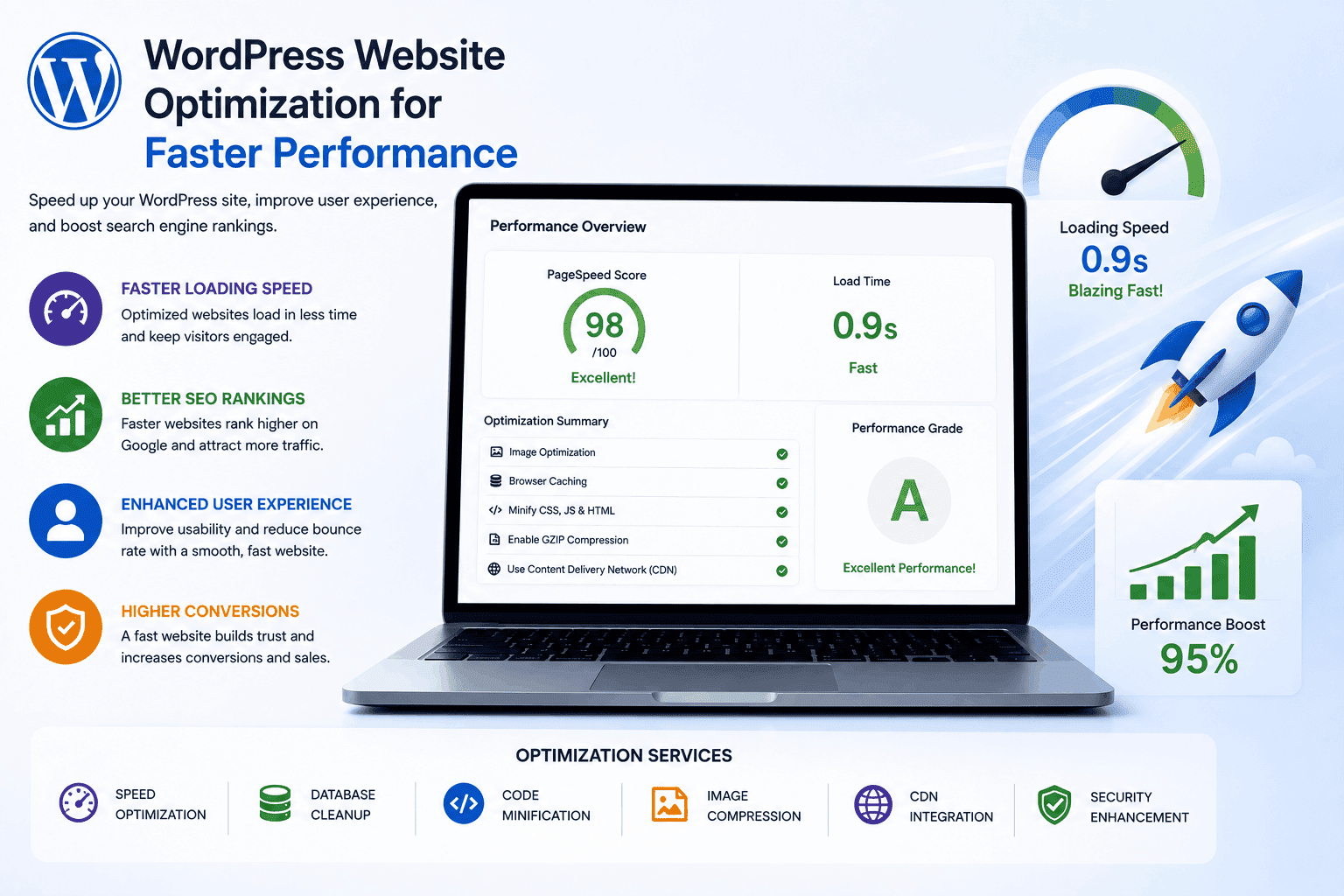
WordPress Website Optimization for Faster Performance
WordPress Website Optimization for Faster Performance
In today’s digital world, website speed plays a critical role in online success. Whether you run a small business website, an eCommerce store, or a corporate platform, visitors expect pages to load quickly. Studies consistently show that users leave websites that take too long to load, making performance optimization an essential part of website management rather than an optional improvement.
WordPress powers millions of websites worldwide because of its flexibility, scalability, and ease of use. However, as websites grow with more content, plugins, images, and features, performance issues can emerge. Slow loading times can negatively impact user experience, search engine rankings, and conversion rates, ultimately affecting business growth and revenue.
WordPress website optimization focuses on improving speed, efficiency, and overall performance. By implementing the right strategies, businesses can create faster, more responsive websites that deliver a better experience for users while also supporting SEO goals. Understanding the key elements of optimization helps organizations maximize the value of their online presence.
Understanding the Importance of Website Performance
Website performance influences how visitors interact with a website from the moment they arrive. A fast-loading page creates a positive first impression and encourages users to continue exploring content, products, or services. When visitors experience delays, they are more likely to leave before engaging with the site.
Search engines also consider website speed when determining rankings. Faster websites often perform better in search results because they provide a superior user experience. Improved rankings lead to greater visibility, increased organic traffic, and more opportunities to attract potential customers.
Performance optimization is particularly important for businesses that rely on online sales or lead generation. Even a small delay in page loading can result in reduced conversions and lost revenue. Faster websites help users complete actions more efficiently, whether making a purchase, filling out a form, or contacting a business.
As mobile browsing continues to dominate internet usage, performance becomes even more critical. Mobile users frequently access websites using varying network conditions, making optimization essential for maintaining a consistent experience across devices.
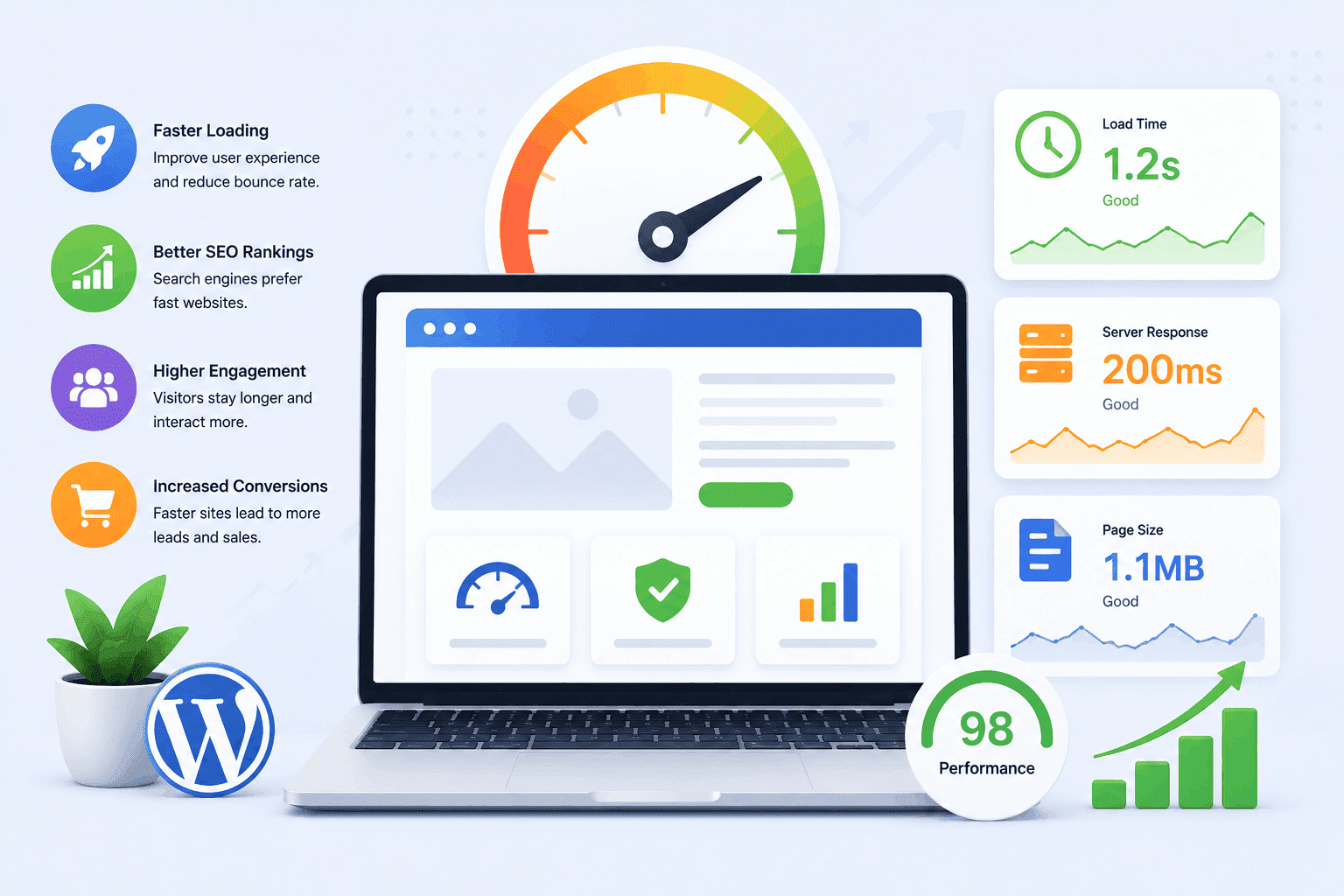
How Website Speed Impacts Business Growth
Fast websites contribute directly to customer satisfaction. Users appreciate websites that respond quickly, allowing them to find information without frustration. Positive experiences encourage repeat visits and strengthen trust in a brand.
Website speed also influences customer decision-making. When visitors compare multiple businesses online, a fast and responsive website often appears more professional and reliable than a slow competitor. This perception can significantly impact purchasing decisions.
For eCommerce businesses, speed optimization can improve shopping experiences. Customers expect product pages, shopping carts, and checkout processes to function smoothly. Delays during these stages can increase cart abandonment and reduce overall sales performance.
In addition, faster websites typically generate stronger engagement metrics. Visitors spend more time browsing, view additional pages, and interact more frequently with content. These behavioral signals contribute to improved SEO performance and long-term digital growth.
Businesses looking to build high-performance websites can benefit from custom WordPress development services that focus on speed, scalability, and user experience.
Key Factors Affecting WordPress Website Performance
Several elements influence how quickly a WordPress website loads and performs. Understanding these factors allows businesses to identify opportunities for improvement and create an effective optimization strategy.
Key Factors Include:
- Web hosting quality
- Image size and optimization
- Theme performance
- Database management
- Content delivery networks (CDNs)
Each of these components contributes to the overall user experience. Optimizing them collectively often produces far better results than focusing on a single area alone.
Business owners should regularly evaluate website performance using trusted tools such as Google PageSpeed Insights. These assessments provide valuable insights into areas that require attention and help prioritize optimization efforts.
A comprehensive approach ensures that performance improvements remain sustainable as the website grows and evolves over time.
Choosing the Right Hosting Environment
Web hosting serves as the foundation of website performance. Even the most optimized WordPress website can experience speed issues when hosted on a low-quality server. Reliable hosting providers offer faster infrastructure, better resource allocation, and enhanced uptime.
Shared hosting plans are often attractive because of their affordability, but they may struggle to handle increased traffic. As businesses expand, upgrading to managed WordPress hosting, cloud hosting, or dedicated solutions can provide significant performance benefits.
Managed WordPress hosting environments are specifically designed to support WordPress websites. These services often include built-in caching, automatic updates, enhanced security, and optimized server configurations that improve speed and reliability.
Selecting the right hosting partner should be viewed as a long-term investment. Better hosting not only improves performance but also supports scalability, allowing websites to handle future growth without major disruptions.
Accelerating Your Website with Smart Image Optimization
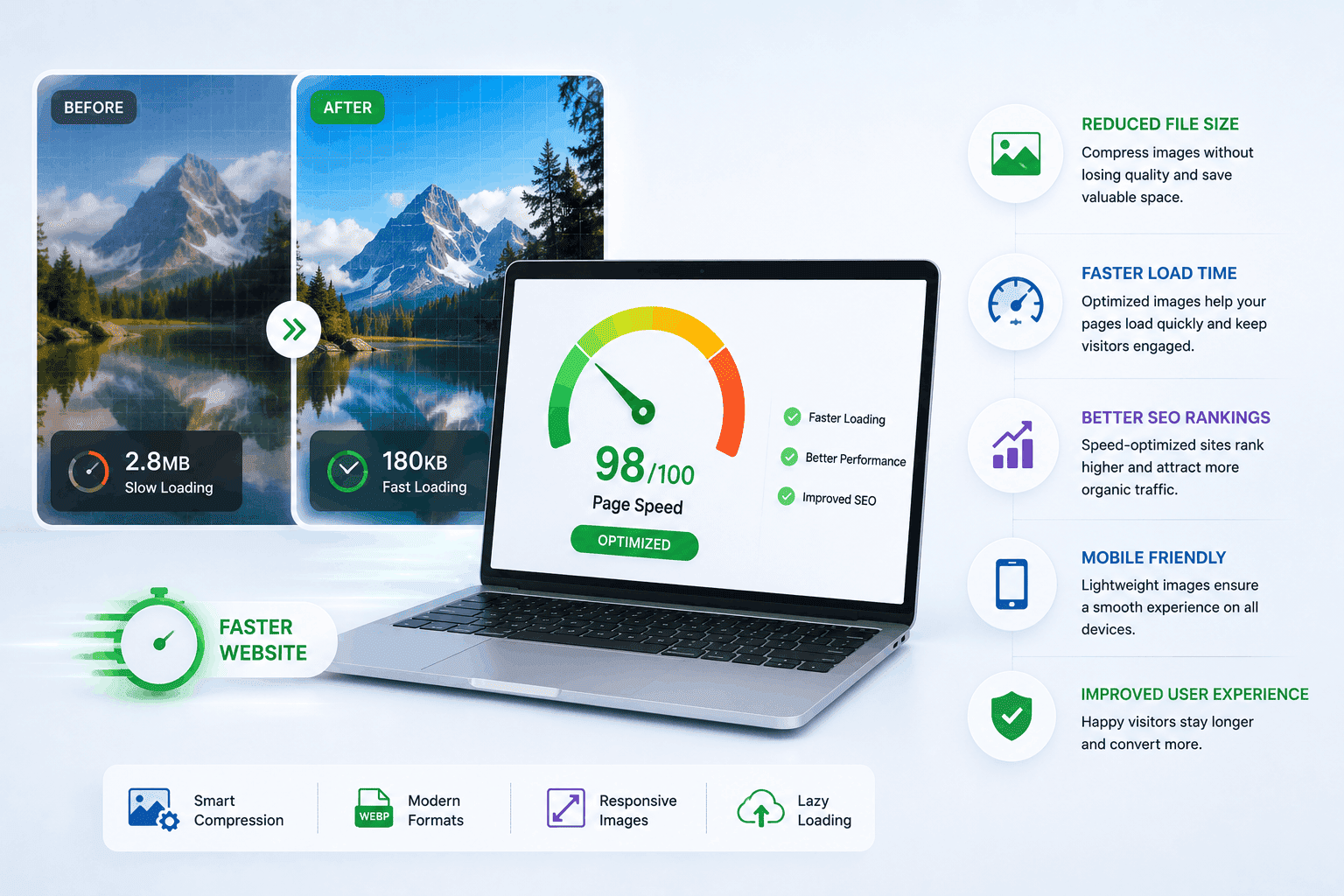
Images are often among the largest files on a website. While high-quality visuals enhance user engagement, oversized images can dramatically slow page loading times if they are not optimized properly.
Image optimization involves reducing file sizes without noticeably affecting visual quality. Modern compression techniques help maintain attractive visuals while minimizing bandwidth usage and loading delays.
Businesses should also use appropriately sized images based on display requirements. Uploading extremely large images when smaller versions are sufficient creates unnecessary performance challenges and increases server load.
Modern image formats can further improve performance. By combining image compression, proper dimensions, and efficient formats, websites can achieve significant speed improvements while maintaining a professional appearance.
Database Optimization Strategies
The WordPress database stores all essential website data, including content, settings, comments, and user information. Over time, it can accumulate unnecessary data that slows down performance and increases query times. Proper optimization helps maintain efficiency and speed.
Regular database maintenance is essential for removing clutter such as outdated revisions, spam comments, and unused data. Cleaning these elements improves overall database structure and ensures smoother website performance. This leads to faster loading times and better responsiveness.
Key WordPress Database Optimization Practices
- Remove outdated post revisions
- Clean spam and unnecessary comments
- Delete unused database entries
- Optimize database tables regularly
Database optimization also improves backend performance for administrators by making content management faster and more efficient. Establishing a consistent maintenance schedule ensures long-term stability. This helps prevent performance issues as the website continues to grow.
The Role of Caching in WordPress Optimization
Caching is one of the most effective methods for improving WordPress performance. Instead of generating pages from scratch every time a visitor accesses a website, cached versions can be delivered much faster.
When caching is implemented correctly, server resources are used more efficiently. This reduction in processing demands allows websites to handle higher traffic volumes without experiencing slowdowns.
There are multiple types of caching that contribute to performance improvements. Browser caching stores website elements on visitor devices, while server-side caching reduces processing time on the hosting environment.
Businesses that implement robust caching solutions often notice immediate improvements in page speed. Faster delivery creates a smoother experience for users and supports broader SEO objectives.
Managing Plugins Efficiently
WordPress plugins provide valuable functionality, but excessive or poorly coded plugins can negatively affect performance. Each plugin adds additional code and resource requirements that may impact loading times.
Business owners should regularly review installed plugins and remove those that are unnecessary. Keeping only essential plugins helps reduce complexity and minimizes potential performance bottlenecks.
It is equally important to select plugins from reputable developers who prioritize efficiency and ongoing maintenance. High-quality plugins are generally better optimized and less likely to create conflicts within the website environment.
Regular updates also play an important role. Updated plugins often include performance enhancements, security improvements, and compatibility fixes that contribute to overall website health.
Using Content Delivery Networks (CDNs)
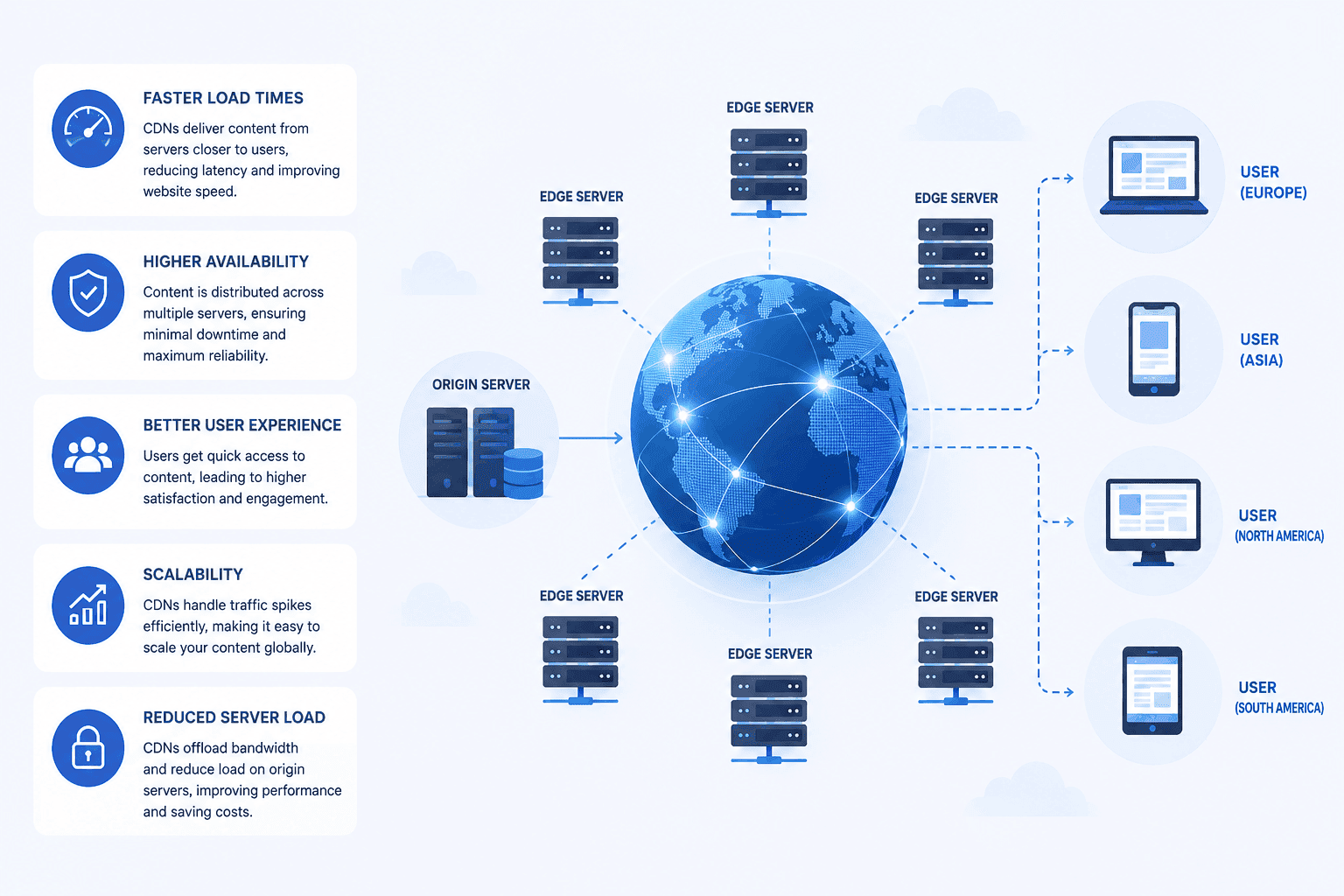
A Content Delivery Network (CDN) distributes website content across multiple servers located in different geographic regions. When users visit a website, the content is delivered from the server closest to their location. This helps improve overall loading speed and performance.
This approach significantly reduces latency and ensures faster page loading for users across different countries. Businesses with global audiences often see noticeable improvements in website speed and user experience after implementing a CDN. It helps deliver content more efficiently regardless of location.
- Faster content delivery from nearby servers
- Reduced website loading time and latency
- Improved global user experience
- Better performance for international traffic
CDNs also reduce the load on the main hosting server by distributing traffic across multiple locations. This improves website stability, scalability, and reliability during high-traffic periods.
Mobile Optimization for Faster and Responsive Web Performance
Mobile users now represent a significant portion of website traffic across most industries. As a result, optimizing websites for mobile performance has become a business necessity rather than an optional enhancement.
Responsive design ensures websites adapt effectively to different screen sizes and devices. However, responsiveness alone does not guarantee speed. Mobile optimization also requires efficient resource management and streamlined page structures.
Businesses should regularly test their websites on various devices to identify performance issues that may affect mobile visitors. Addressing these concerns helps maintain a consistent user experience across platforms.
Fast mobile experiences support higher engagement levels, improved SEO rankings, and stronger conversion rates. Organizations that prioritize mobile optimization position themselves more effectively in today’s competitive digital landscape.
Common WordPress Performance Mistakes
Many businesses unintentionally create performance issues despite investing in website development. Understanding common mistakes helps prevent problems before they impact users and search rankings.
Common Performance Mistakes Include:
- Uploading uncompressed images
- Installing excessive plugins
- Using low-quality hosting services
- Ignoring database maintenance
- Failing to implement caching
These issues may seem minor individually, but their combined impact can significantly slow website performance. Regular audits help identify and resolve these challenges before they become serious obstacles.
Businesses can also follow recommendations from MDN Web Performance Guidelines to improve website speed and user experience.
Proactive management is often more effective and less expensive than addressing major performance problems after they affect traffic and conversions.
The Future of WordPress Website Optimization
Website optimization continues to evolve as technology advances and user expectations increase. Businesses must stay informed about emerging trends to maintain competitive performance standards.
Artificial intelligence is beginning to influence performance optimization through automated monitoring and intelligent resource management. These tools can identify issues more quickly and recommend targeted improvements.
Modern web technologies are also enabling faster content delivery and improved efficiency. Developers increasingly adopt performance-focused frameworks and methodologies that enhance user experiences across devices.
As search engines place greater emphasis on user experience metrics, performance optimization will remain a critical component of digital strategy. Organizations that invest in speed today will be better positioned to meet future expectations and maintain strong online visibility.
Conclusion
WordPress website optimization is essential for businesses seeking to improve user experience, search engine visibility, and overall digital performance. From selecting quality hosting and optimizing images to implementing caching and maintaining databases, every optimization effort contributes to faster website speeds and stronger business outcomes.
A well-optimized WordPress website not only attracts visitors but also keeps them engaged, encourages conversions, and supports long-term growth. By adopting a proactive approach to performance management, businesses can create faster, more reliable websites that deliver measurable value in an increasingly competitive online environment.