+91 9898181101
 +1 (647) 971-4687
WordPress Maintenance Tips for Online Businesses
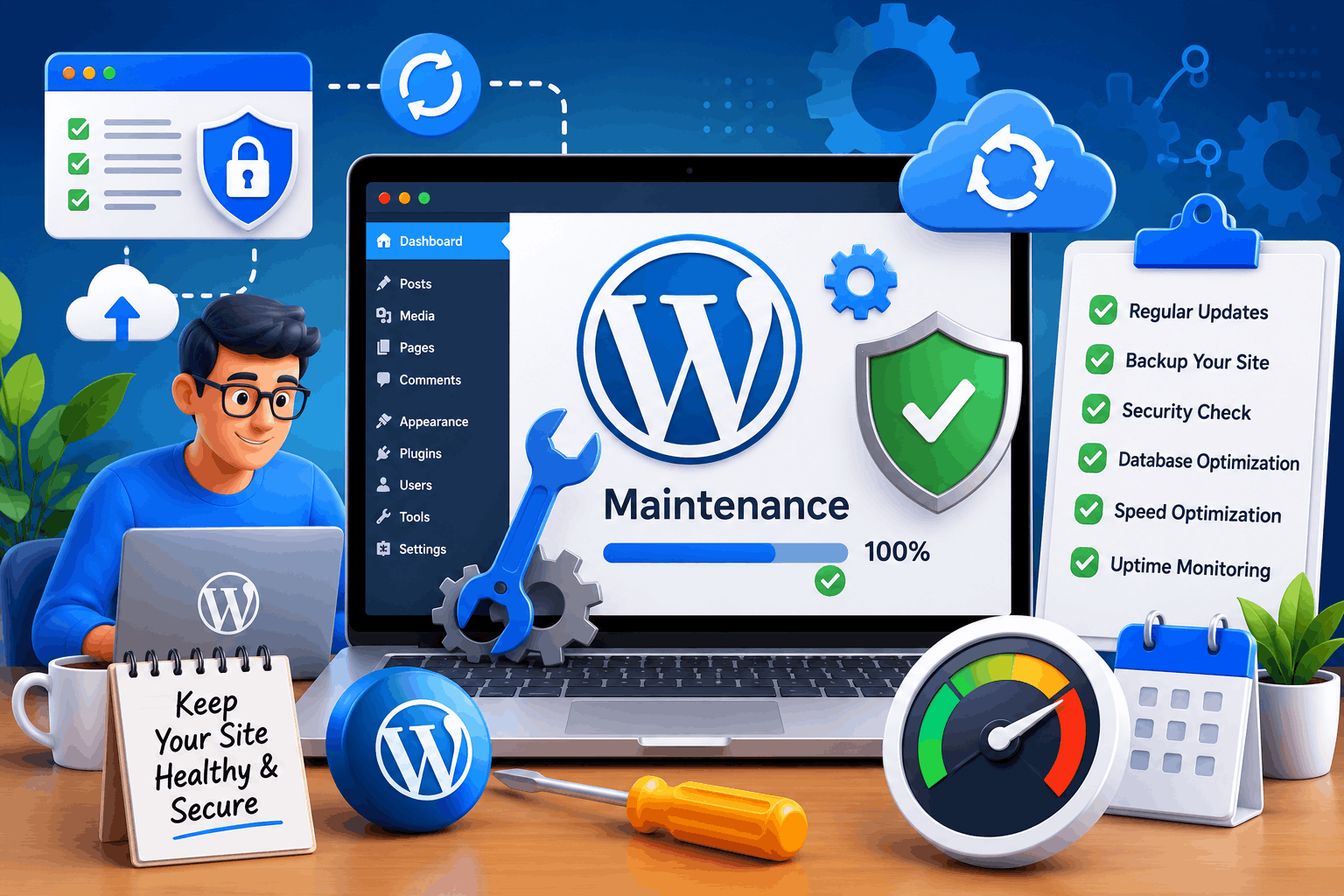
Running an online business requires much more than launching a website and waiting for customers to arrive. A WordPress website acts as the digital storefront of a company, and just like a physical store, it requires regular maintenance to stay functional, secure, and attractive. Without proper upkeep, even the best-designed website can experience performance issues, security vulnerabilities, and reduced customer trust.
Many business owners invest significant time and money in developing their websites but often overlook the importance of ongoing maintenance. Regular WordPress maintenance helps ensure that visitors enjoy a smooth browsing experience, search engines continue to rank the site favorably, and business operations remain uninterrupted. A neglected website can quickly become outdated, slow, and vulnerable to cyber threats.
For online businesses, website performance directly impacts sales, lead generation, and customer satisfaction. Whether you operate an eCommerce store, a service-based business, or a corporate website, following proper WordPress maintenance practices can protect your investment and support long-term growth. Understanding these maintenance strategies is essential for maintaining a competitive online presence.
Why WordPress Maintenance Matters for Online Businesses
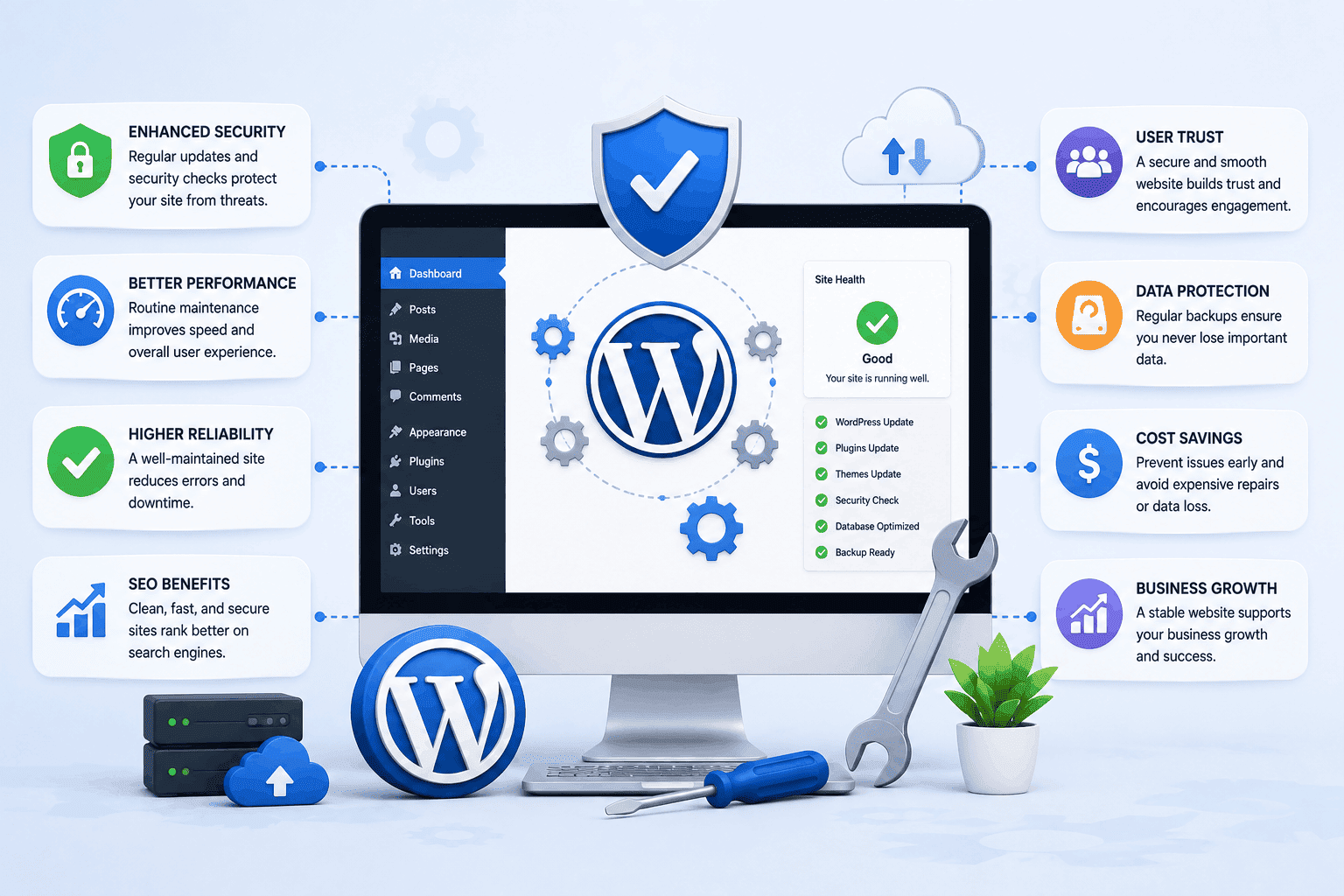
WordPress is one of the most popular website platforms because it offers flexibility, scalability, and ease of use. However, its popularity also makes it a common target for hackers and malicious attacks. Regular maintenance helps address vulnerabilities before they become serious problems.
Website maintenance is not limited to technical updates. It includes monitoring performance, checking security measures, optimizing databases, reviewing content, and ensuring compatibility between themes and plugins. Businesses looking for professional WordPress development services often include ongoing maintenance as part of their long-term website strategy.
Search engines such as Google favor websites that are fast, secure, and consistently updated. Following recommendations from Google Search Central can further improve website quality and search visibility.
Customers also expect reliable online experiences. If a website loads slowly, displays errors, or appears outdated, visitors may leave and choose competitors instead. Consistent maintenance helps businesses build trust and maintain professional credibility.
Establish a Proactive Website Monitoring System
A successful online business cannot afford to wait until problems appear before taking action. Proactive website monitoring helps identify issues early, allowing businesses to resolve them before they affect customers.
Monitoring tools can track website speed, server response times, broken pages, and unusual activity. These insights help business owners understand how their website performs under different conditions.
Regular monitoring also helps businesses maintain customer satisfaction. Visitors expect websites to function smoothly at all times, and even minor disruptions can impact trust.
Businesses that invest in monitoring systems often experience fewer unexpected outages and technical problems. Consistent oversight contributes to better performance, stronger security, and improved customer experiences.
Audit Website Functionality Frequently
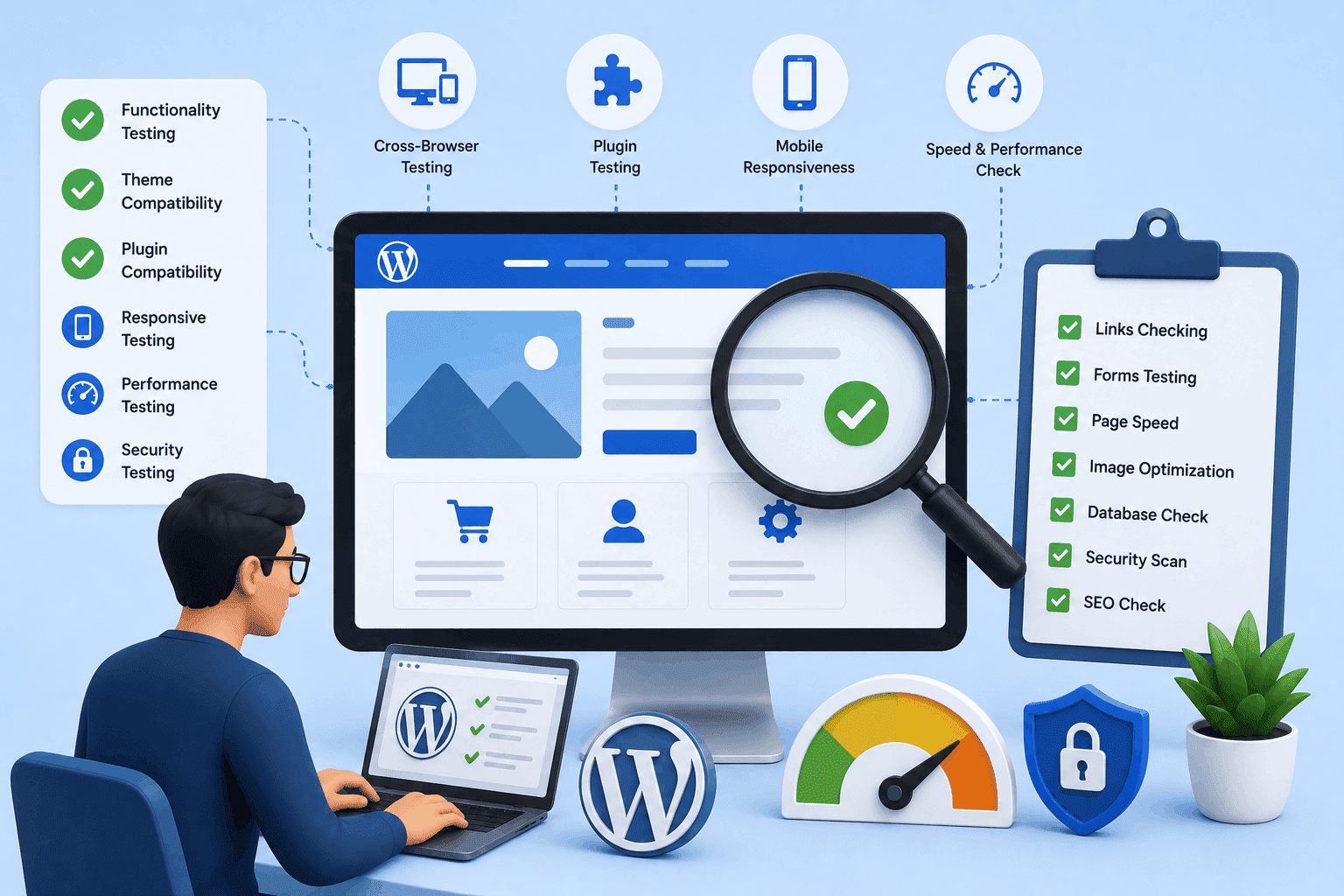
Website functionality should be reviewed regularly to ensure that all essential features work smoothly. Elements such as contact forms, checkout processes, search functions, and navigation menus directly impact user experience and overall business performance.
A single malfunctioning feature can result in lost sales, missed inquiries, or frustrated customers. Regular testing helps identify and fix issues before they affect users.
Key Areas to Test During Website Functionality Audits
- Test contact forms and inquiry systems regularly.
- Check checkout and payment processes.
- Verify search and navigation functionality.
- Monitor website updates for broken features.
- Ensure mobile and desktop consistency.
Frequent functionality audits also help improve usability and overall website efficiency. Small improvements based on testing results can significantly enhance customer satisfaction and increase conversion rates.
Manage Media Files Efficiently
As websites grow, media libraries often become cluttered with duplicate images, outdated graphics, and unused files. Poor media management can consume storage space and negatively affect website performance.
Businesses should regularly review their media libraries and remove unnecessary files. Keeping only relevant and optimized media assets helps maintain an organized website environment.
Image compression and proper file naming conventions contribute to better performance and SEO. Resources from web.dev provide useful guidance on improving website speed and image optimization.
Improve Mobile User Experience
Mobile traffic continues to dominate online browsing, making mobile optimization an essential maintenance task. Businesses should regularly review how their websites perform on smartphones and tablets.
Key Responsive Design Testing Factors
- Test layouts across multiple screen sizes.
- Check for overlapping content issues.
- Ensure mobile navigation works smoothly.
- Fix display errors on different devices.
Page speed is particularly important for mobile visitors. Slow-loading pages often result in higher bounce rates and lower conversion rates.
Analyze Website Traffic and User Behavior
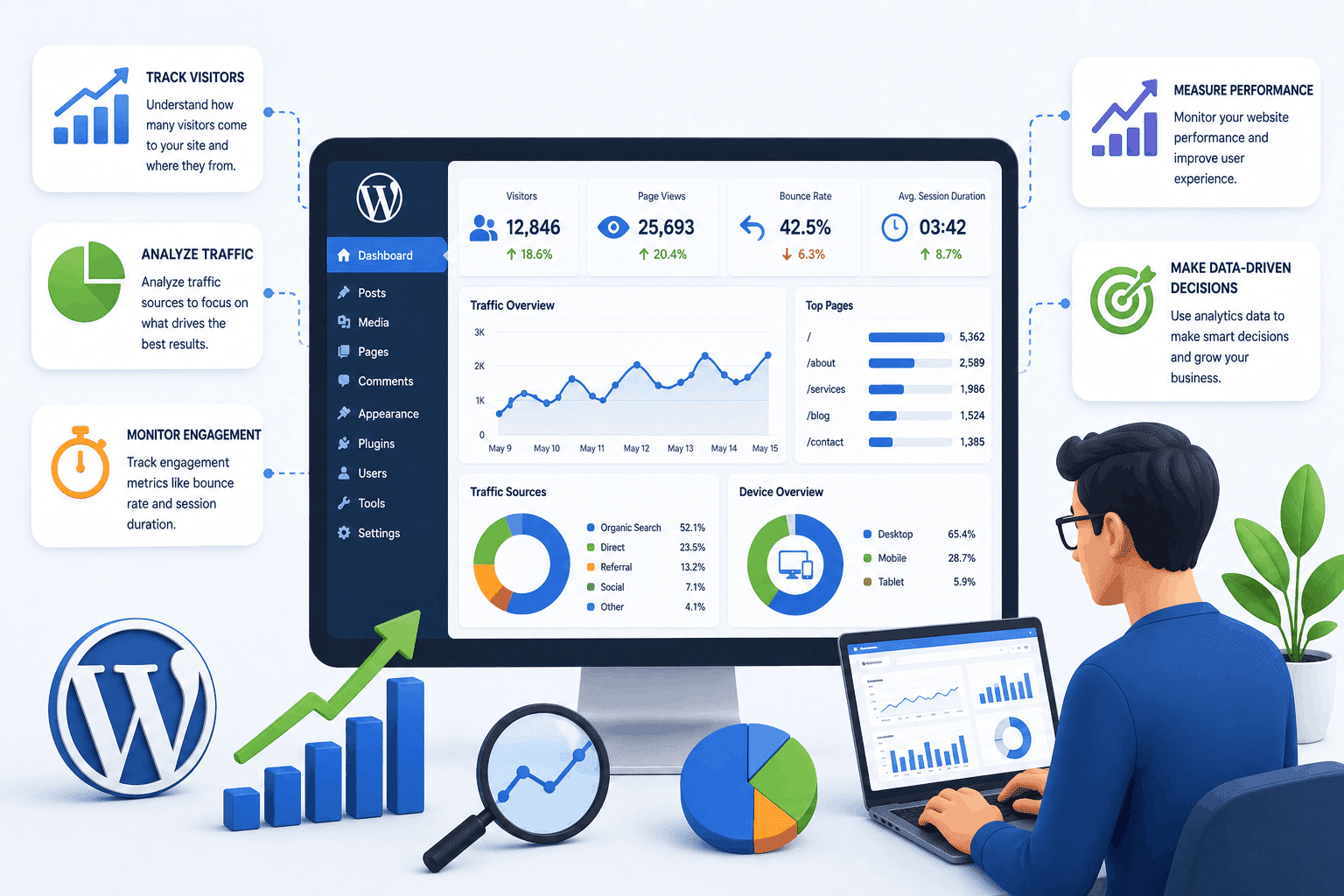
Understanding how visitors interact with a website is an important aspect of ongoing maintenance. Analytics tools provide valuable information about traffic sources, user behavior, and content performance.
Regular analysis helps businesses identify which pages attract the most visitors and which areas may require improvement.
User behavior data can reveal obstacles within the customer journey, allowing businesses to improve engagement and conversions.
Ongoing SEO Maintenance for Better Search Rankings
Search engine optimization is an ongoing process rather than a one-time task. Regular SEO maintenance ensures that websites remain competitive and continue to perform well in search engine results.
- Monitor keyword rankings regularly.
- Optimize meta titles and descriptions.
- Improve internal linking structure.
- Fix crawl errors and indexing issues.
- Track and improve page speed performance.
Technical SEO factors like crawlability, indexing, and site speed should also be reviewed regularly.
Evaluate Hosting and Infrastructure Needs
As online businesses expand, website traffic and resource demands often increase. Hosting solutions that once met business requirements may eventually become insufficient.
Businesses should assess server resources, bandwidth usage, and storage capacity periodically. Reliable hosting supports scalability, security, and website stability.
Conduct Regular Accessibility Reviews
Website accessibility is becoming increasingly important for businesses seeking to serve diverse audiences.
Businesses should evaluate text readability, keyboard navigation, image alt text, and color contrast to create an inclusive browsing experience.
Regular accessibility assessments strengthen brand reputation while improving overall usability.
Key Factors for Effective WordPress Maintenance
Several important factors contribute to a successful WordPress maintenance strategy.
- Regular updates for WordPress, themes, and plugins.
- Automated backups with periodic testing.
- Strong security monitoring and protection measures.
- Performance optimization and database maintenance.
- Ongoing SEO and content updates.
When these factors work together, businesses create a strong foundation for sustainable website performance.
Common WordPress Maintenance Mistakes
Many businesses unintentionally create website problems by neglecting basic maintenance practices.
Common Mistakes to Avoid
- Delaying WordPress, plugin, and theme updates.
- Relying only on hosting backups.
- Installing too many unnecessary plugins.
- Ignoring website analytics and performance reports.
- Skipping regular security reviews.
The Future of WordPress Maintenance
As technology continues to evolve, WordPress maintenance is becoming more proactive and automated. Artificial intelligence is beginning to assist with performance monitoring, security detection, and optimization.
Cybersecurity threats are also becoming more sophisticated, making advanced protection strategies increasingly important.
Automation will reduce many repetitive maintenance tasks, while human oversight will remain essential for strategic planning and quality management.
Conclusion
WordPress maintenance is not an optional task for online businesses. It directly influences website security, performance, user experience, and search visibility. Businesses that invest in regular maintenance create a strong foundation for long-term growth.
By keeping WordPress updated, implementing reliable backups, strengthening security, optimizing performance, monitoring uptime, and reviewing content regularly, businesses can ensure their websites remain valuable digital assets while continuing to deliver exceptional customer experiences.