+91 9898181101
 +1 (647) 971-4687
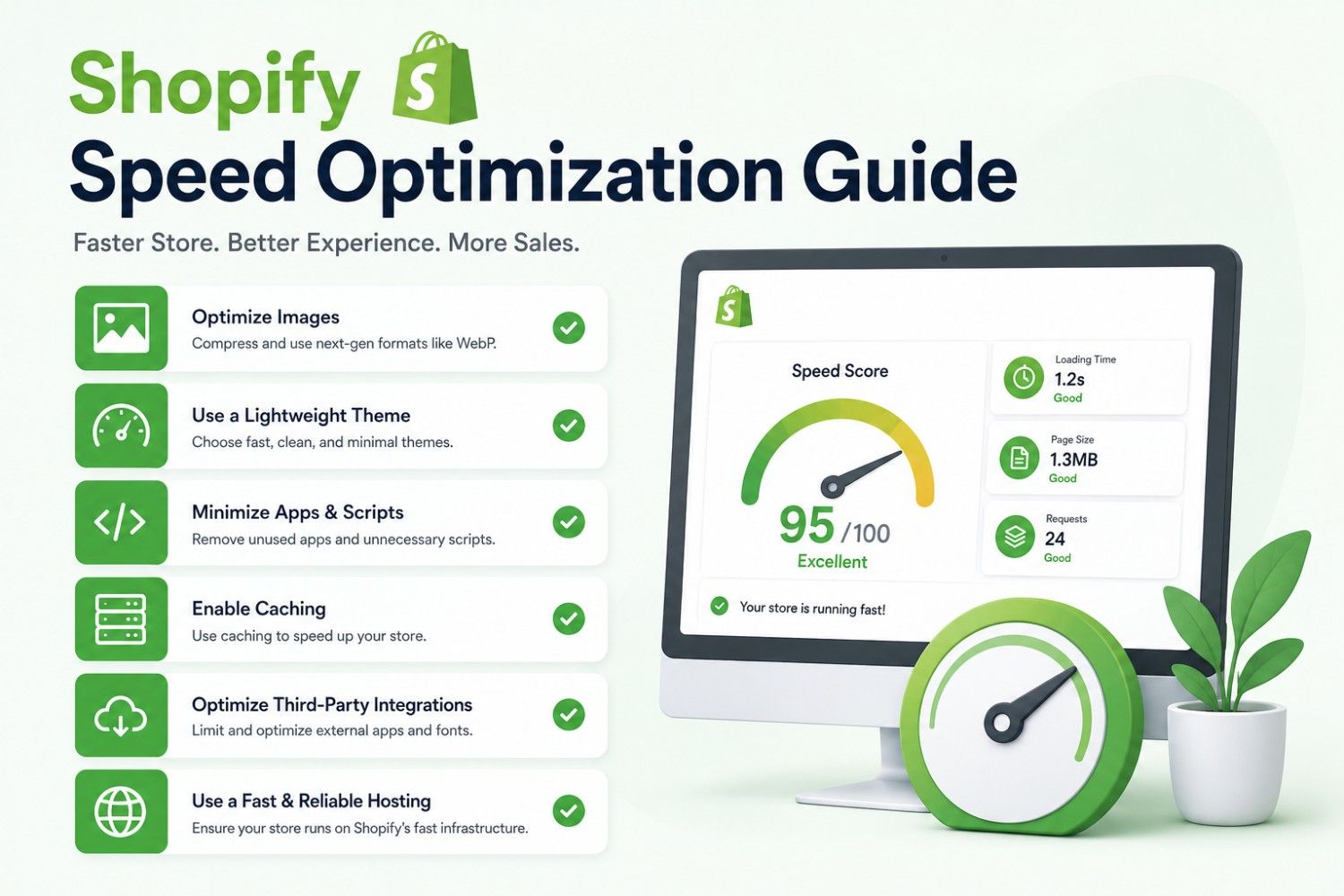
Shopify Speed Optimization Guide
Online shoppers expect websites to load instantly. Every second of delay can impact customer satisfaction, reduce conversions, and ultimately affect revenue. For Shopify store owners, speed is no longer just a technical metric—it is a business growth factor.
Research consistently shows that faster websites deliver better user engagement, lower bounce rates, and improved search engine rankings. Whether you are a startup launching a new ecommerce brand, an SME scaling operations, or an enterprise managing thousands of products, optimizing Shopify store speed should be a top priority.
In this comprehensive Shopify Speed Optimization Guide, we’ll explore why speed matters, the most common causes of slow Shopify stores, and practical strategies to improve performance without sacrificing functionality or user experience.
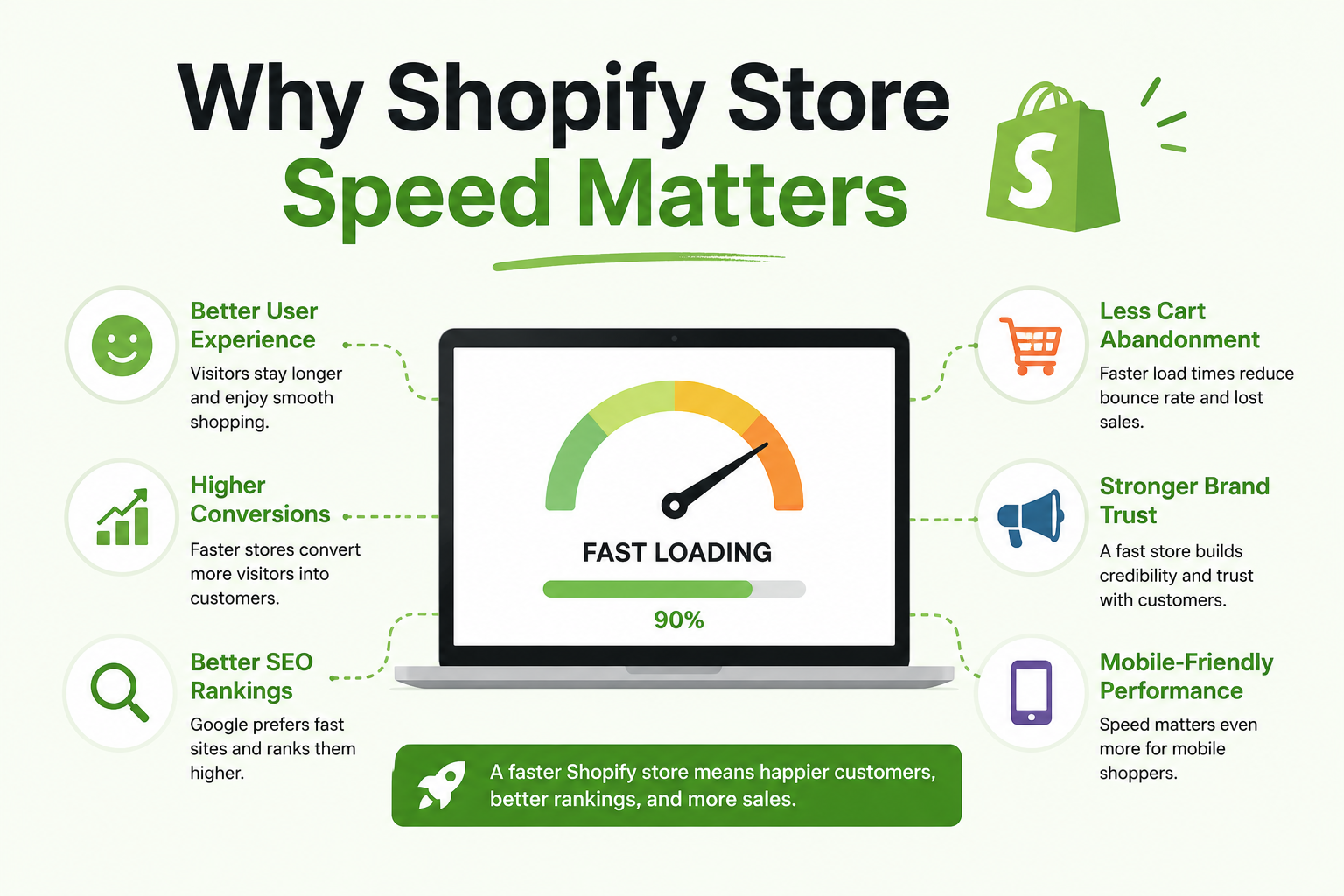
Why Shopify Store Speed Matters
Website speed directly influences customer behavior. Modern consumers are accustomed to fast digital experiences, and even a small delay can create frustration. When visitors encounter a slow-loading store, many leave before viewing products or completing purchases.
Google also considers page performance as part of its ranking signals. Faster websites often achieve better visibility in search results, making speed optimization valuable not only for user experience but also for organic traffic growth.
According to research published by web.dev, page speed and Core Web Vitals significantly influence overall user experience and website performance metrics.
Business Benefits of a Faster Shopify Store
- Higher conversion rates and sales performance
- Improved search engine visibility
- Lower bounce rates and cart abandonment
- Better customer satisfaction and retention
- Enhanced mobile shopping experience
These benefits make speed optimization one of the highest-return investments for ecommerce businesses.
Understanding Shopify Speed Scores
Shopify provides a built-in speed score that helps merchants understand store performance. This score is based on real-world user data and evaluates loading behavior across different devices and network conditions.
While the score provides useful insights, it should not be treated as the only measurement. A store with a moderate speed score can still perform exceptionally well if key user journeys are optimized properly.
Business owners should combine Shopify’s speed metrics with tools such as Google PageSpeed Insights to gain a more comprehensive understanding of performance issues.
Common Reasons Shopify Stores Become Slow
Many Shopify stores start fast but gradually slow down as new features, applications, products, and content are added. Understanding the root causes helps businesses prioritize optimization efforts effectively.
Excessive Shopify Apps
One of the most common performance issues comes from installing too many third-party apps. While apps add valuable functionality, each application often injects scripts, stylesheets, and external requests that increase loading time.
Over time, unused apps may leave behind residual code even after removal, creating unnecessary overhead that impacts performance.
Large Image Files
High-resolution images are essential for ecommerce, but oversized files can significantly slow page loading. Product pages with multiple unoptimized images often become performance bottlenecks.
Many merchants upload images directly from cameras or design tools without compression, resulting in files much larger than necessary.
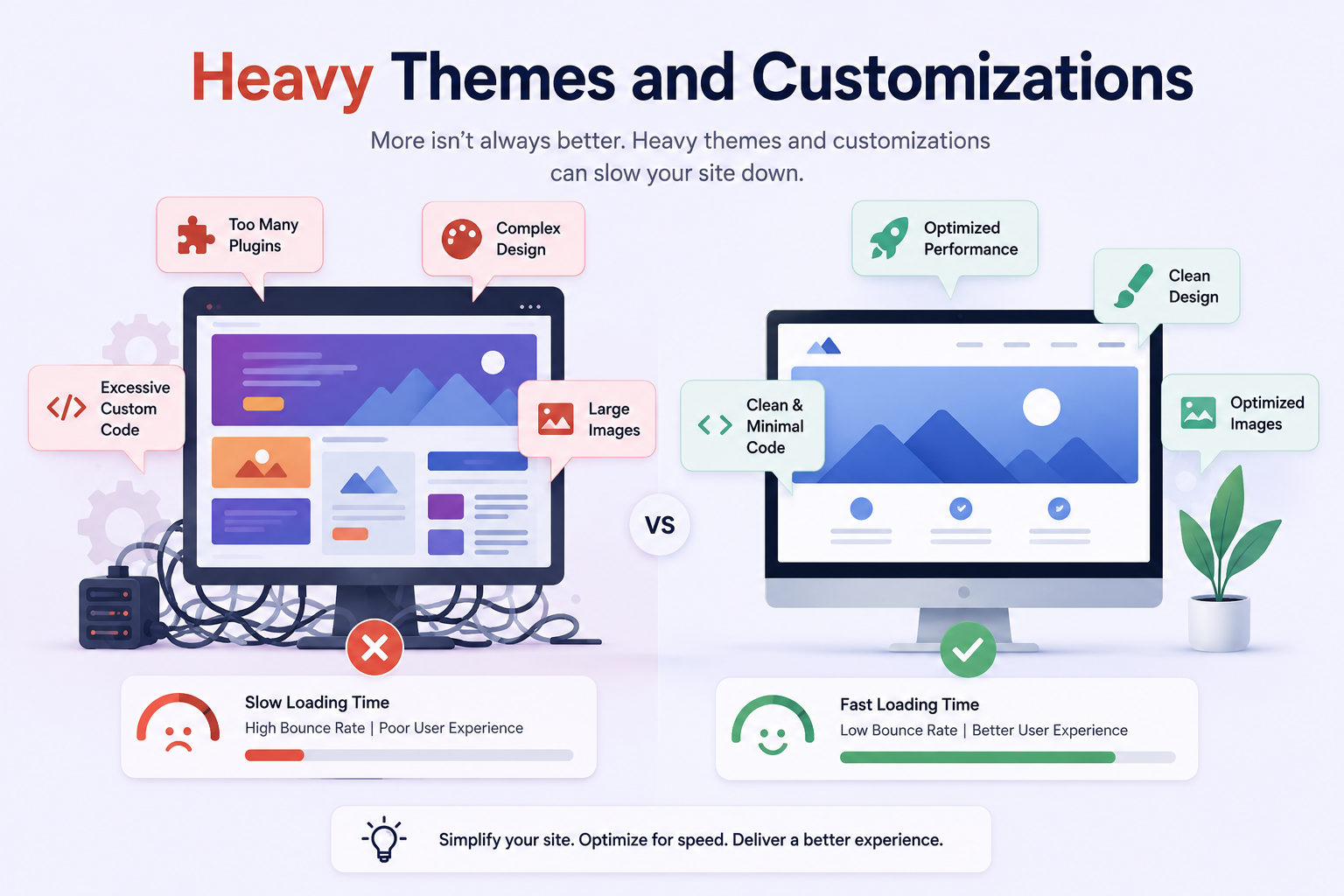
Heavy Themes and Customizations
Some Shopify themes include extensive animations, sliders, scripts, and design elements that create unnecessary complexity. While visually impressive, these features may negatively impact loading speed.
Custom code implementations can also introduce performance issues if not developed following Shopify best practices.
Optimize Images for Faster Loading
Image optimization is often the quickest way to improve Shopify performance. Since ecommerce stores rely heavily on product photography, optimizing image delivery can produce immediate results.
Use Modern Image Formats
Modern formats such as WebP provide excellent image quality while significantly reducing file size. Smaller image files improve page load times and enhance mobile browsing experiences.
Shopify supports efficient image delivery mechanisms that help businesses serve optimized assets across different devices.
Implement Proper Image Sizing
Uploading extremely large images when smaller dimensions are sufficient wastes bandwidth and slows loading times. Every image should match its intended display size as closely as possible.
Regular image audits help identify oversized assets that may be impacting overall store performance.
Reduce and Manage Shopify Apps Effectively
Apps are valuable tools, but they should be reviewed regularly. Many businesses accumulate applications over time without evaluating their ongoing value or performance impact.
Conducting periodic app audits can reveal opportunities to remove redundant tools, consolidate functionality, and reduce unnecessary script execution.
Replace Multiple Apps with Custom Development
In many cases, businesses rely on several apps to achieve relatively simple functionality. Custom development can often replace multiple third-party solutions while reducing performance overhead.
This approach not only improves speed but also provides greater control over functionality and scalability.
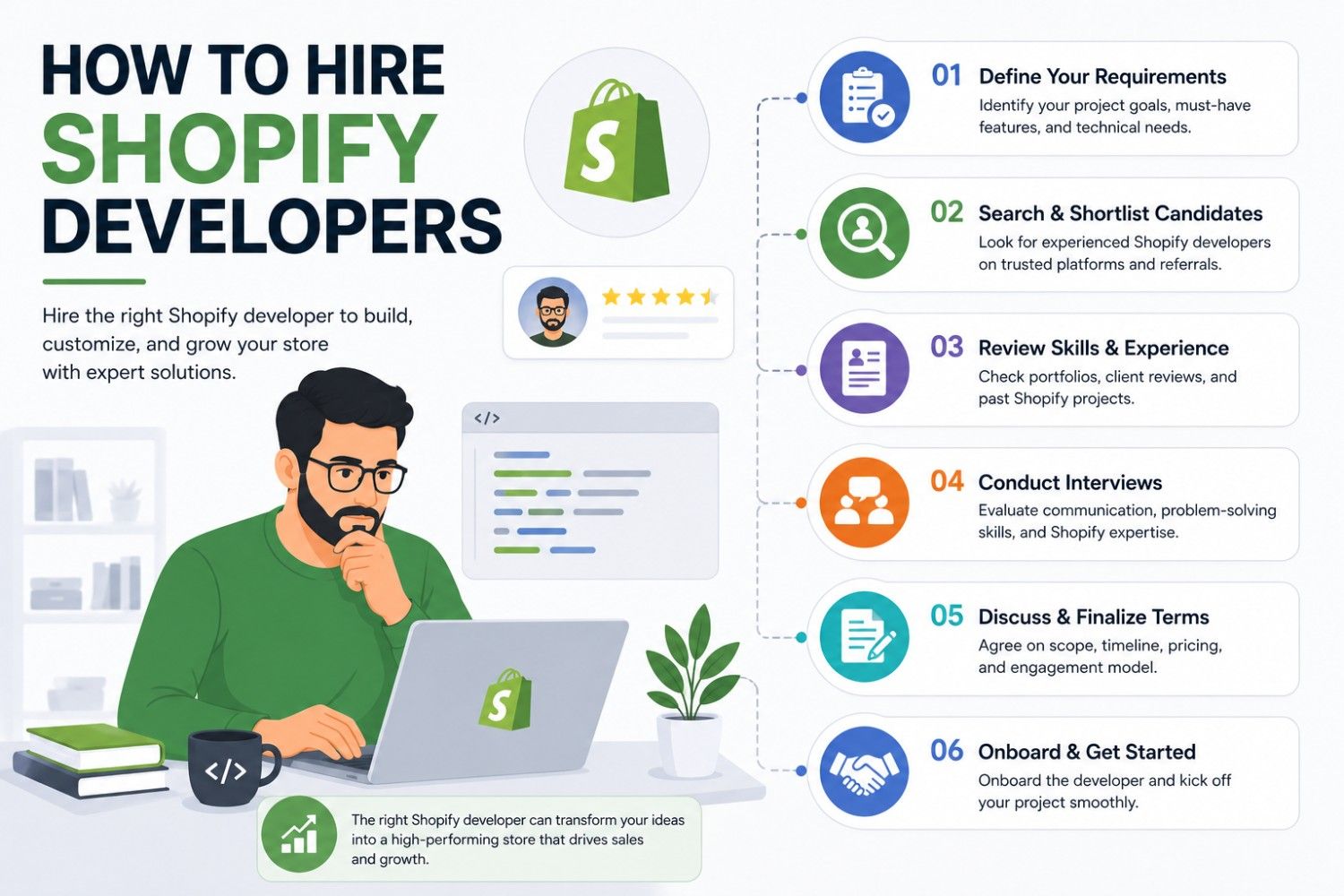
Businesses planning long-term growth often benefit from working with experienced teams offering Shopify Development Services to build optimized, scalable ecommerce solutions.
Optimize Shopify Theme Performance
Your theme serves as the foundation of your store’s user experience. Choosing and optimizing the right theme plays a major role in maintaining fast performance.
Remove Unused Theme Features
Many themes include optional sections, widgets, sliders, and effects that may not contribute to conversions. Disabling unnecessary components can reduce page weight and improve rendering speed.
A cleaner, streamlined storefront often performs better and provides a more focused shopping experience.
Minimize JavaScript Usage
JavaScript enables dynamic functionality, but excessive scripts can delay page rendering and user interaction. Identifying and eliminating non-essential scripts improves responsiveness significantly.
Modern optimization strategies prioritize loading critical content first while deferring non-essential functionality until needed.
Improve Core Web Vitals
Core Web Vitals have become important indicators of website quality and user experience. These metrics evaluate loading performance, interactivity, and visual stability.
Largest Contentful Paint (LCP)
LCP measures how quickly the main content becomes visible to users. Improving image delivery, reducing server requests, and optimizing theme code can significantly improve this metric.
Interaction to Next Paint (INP)
INP evaluates responsiveness when users interact with your website. Excessive JavaScript processing often contributes to poor interaction performance.
Cumulative Layout Shift (CLS)
CLS measures unexpected layout movements during page loading. Proper image dimensions, stable content placement, and optimized fonts help minimize visual shifts.
Google’s official guidance on these metrics can be found through Google Search Central.
Optimize Mobile Performance
Mobile commerce continues to dominate global ecommerce growth. In many industries, mobile traffic accounts for more than half of all online store visits.
Because mobile users often browse on slower networks and less powerful devices, mobile optimization should receive special attention during performance improvement initiatives.
Focus on Mobile-First Design
Designing with mobile users in mind ensures that critical content loads quickly and remains easily accessible. Simpler layouts often deliver better performance and usability.
Reducing unnecessary visual effects and prioritizing essential content creates a smoother shopping experience across all devices.

Leverage Shopify’s Built-In Performance Features
One major advantage of Shopify is its managed infrastructure. The platform automatically handles hosting, CDN distribution, security updates, and performance improvements.
However, merchants must still use these capabilities effectively to maximize speed benefits.
Content Delivery Network (CDN)
Shopify utilizes a global CDN to deliver assets quickly across different geographic regions. This reduces latency and improves loading times for international customers.
Businesses expanding globally can benefit significantly from optimized CDN utilization and localized performance testing.
Browser Caching Benefits
Caching allows returning visitors to load pages faster because previously downloaded resources do not need to be retrieved again.
Efficient caching contributes to improved user experience and reduced server resource consumption.
Advanced Shopify Speed Optimization Strategies
Lazy Loading
Lazy loading delays the loading of images and content until users actually need them. This reduces initial page weight and improves perceived performance.
For stores with large catalogs and content-rich pages, lazy loading can deliver substantial improvements.
Code Audits and Cleanup
As stores evolve, outdated code, abandoned integrations, and legacy customizations often accumulate. Regular code reviews help identify unnecessary elements that may be slowing down the website.
Professional audits frequently uncover optimization opportunities that internal teams may overlook.
Performance Monitoring
Optimization should be viewed as an ongoing process rather than a one-time project. Continuous monitoring helps businesses identify emerging issues before they impact customers.
Tracking performance trends allows teams to make informed decisions as new features and functionality are introduced.
When Should You Hire Shopify Experts?
Many basic speed improvements can be implemented internally. However, larger stores with custom functionality, enterprise requirements, or complex integrations often require specialized expertise.
Professional Shopify developers can identify hidden bottlenecks, optimize custom code, streamline theme performance, and implement advanced optimization strategies tailored to business goals.
Organizations investing in digital growth often achieve faster and more sustainable results by partnering with experts who understand both Shopify architecture and ecommerce performance optimization.
Choosing the Right Technology Partner
A skilled Shopify development partner provides more than technical implementation. They help align performance improvements with broader business objectives such as conversion optimization, scalability, customer experience, and long-term growth.
Look for partners with proven Shopify expertise, performance optimization experience, and a strong understanding of ecommerce best practices.
Conclusion
Shopify speed optimization is no longer optional in today’s competitive ecommerce landscape. Faster stores improve customer experiences, increase conversion rates, strengthen SEO performance, and support sustainable business growth.
From image optimization and app management to theme refinement and Core Web Vitals improvements, every optimization effort contributes to a better shopping experience and stronger commercial results.
Whether you operate a startup, a rapidly growing online business, or an enterprise ecommerce platform, investing in speed optimization can generate significant returns over time.
If you’re looking to maximize Shopify performance, improve user experience, and build a scalable ecommerce ecosystem, consider partnering with experienced professionals offering Shopify Development Services to ensure your store is optimized for growth, conversions, and long-term success.
About the author: admin