+91 9898181101
 +1 (647) 971-4687

Most Popular Mobile Apps for & Communication
As more businesses adopt mobile-first workplaces, they require new strategies for communicating with their staff. While traditional email is still an option, teams frequently use communication applications like Microsoft Teams and Dropbox to exchange files or come up with solutions for pressing customer issues.
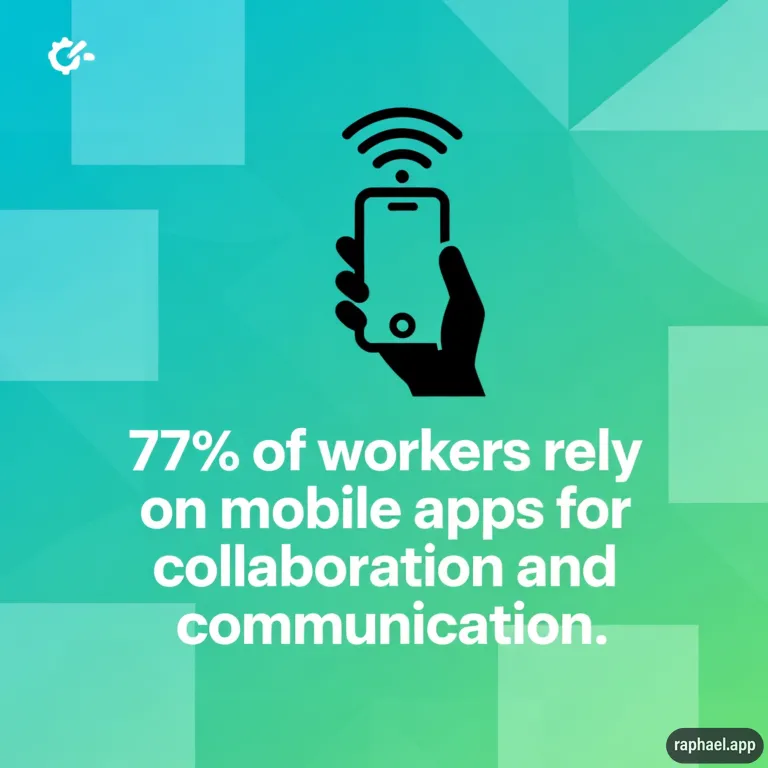
500 full-time workers were surveyed by Ecodesoft in December 2025 regarding their use of mobile apps at work and the effects these technologies have on productivity. According to our research, 77% of employees use mobile apps for communication and teamwork.
This article examines why these apps have become essential tools for contemporary teams and how to pick the best one for your business using data from Ecodesoft.
Why Mobile Apps Are So Helpful for Workplace Communication?
Employees have traditionally communicated with clients and one another via phones. On the other hand, communication apps elevate teamwork. In one location, users can send messages, share files, and even hold virtual meetings. You may check what your teammate is working on by logging into Dropbox rather than waiting for them to deliver a report to your desk.
Additionally, mobile apps increase accessibility to work. They enable workers to complete duties at any time and from any location. For those who require greater flexibility, like busy parents and tourists, that is perfect. failed to finish a significant customer presentation at work? Put the finishing touches on it from your couch using a mobile app.
Another benefit is real-time responsiveness. Employees frequently cannot afford to wait until Monday to meet with coworkers in the office when a significant deadline is approaching. The team as a whole can receive real-time information and alerts regarding unfinished assignments through communication tools. Projects run more smoothly when notifications are sent straight to the team’s phones.
Teams operating in different time zones can also benefit greatly from communication tools. Let’s say your marketing department is located on the West Coast of the United States and your product developer is based in London. They can transmit asynchronous messages rather than attempting to locate a time when their schedules coincide. When in-person meetings don’t work, it’s a useful tool to keep everyone in agreement.
All of this results in less stress and increased productivity. Workflows are streamlined because employees have the tools and information they need at their fingertips. Additionally, they are less prone to overlook messages, which avoids expensive misunderstandings.
The Most Popular Collaboration & Communication Apps
According to the Ecodesoft survey, these are the communication apps most commonly used by employees:
- Microsoft Teams: 78%
- Zoom: 67%
- Slack: 46%
- Dropbox: 46%
Many employees use multiple platforms since they each have unique features and functions. For instance, a graphic designer might use Dropbox to share unfinished artwork and Microsoft Teams to meet with clients.
Microsoft Teams (78%)

Microsoft Teams is a virtual workplace and all-in-one collaboration tool. Users can converse in discussions or send private messages to teammates. The platform also provides file-sharing and videoconferencing.
Microsoft Teams is frequently used by businesses to conduct online meetings. For instance, rather than walking into the workplace, software developers might use the app for their daily stand-up meetings. No more lengthy email chains or phone tag games—they can ask questions and discuss project updates throughout the day in the team channel.
Employees can collaborate edit and share files using Microsoft Teams. If someone is having trouble writing clear documentation, they may go on the phone with a coworker and draft it jointly.
Pros
- Advanced chat and videoconferencing capabilities
- Compatible with Outlook, SharePoint, OneDrive, and the entire Microsoft 365 ecosystem
- Options for compliance for businesses handling sensitive data
- Strong security
- Users’ ability to message, join a meeting, access files, and more all at once
Cons
- The software can be too complicated or overwhelming for new users.
- Microsoft Teams may cause slower performance on older devices.
- Enterprise-level memberships, which come at a high cost, are necessary for several sophisticated services.
Microsoft Teams is the most adaptable program on this list despite these shortcomings. While other software tends to concentrate on a single topic, it equally facilitates cooperation and communication.
Zoom (67%)

Zoom is a web conferencing application that facilitates live conversation and virtual meetings. During meetings, it enables users to send files and share their screens. Smaller breakout spaces can also be used for brainstorming or more intimate teamwork. For example, departments may divide into different rooms to discuss their quarterly goals during an all-staff meeting.
Zoom is intended for real-time communication, in contrast to Microsoft Teams. Unless they are manually saved, shared files and chat messages are only accessible while you are actively participating in the meeting. This implies you can’t send a brief message to an offline coworker or upload things for later.
Pros
- Able to schedule a webinar or make fast phone calls
- Cross-platform compatibility
- Leading the industry in audio and visual quality
- Simple for novices to learn
- Excellent mobile experience with chat, screen sharing, background filters, and other practical features
Cons
- Other than video, there aren’t many collaboration options unless you link it with other apps.
- Extended meetings might deplete the power and data on your phone.
- Security issues, like “Zoombombing” by uninvited guests
Zoom is most effective for teams that utilize other collaboration technologies or meet synchronously most of the time.
Slack (46%)
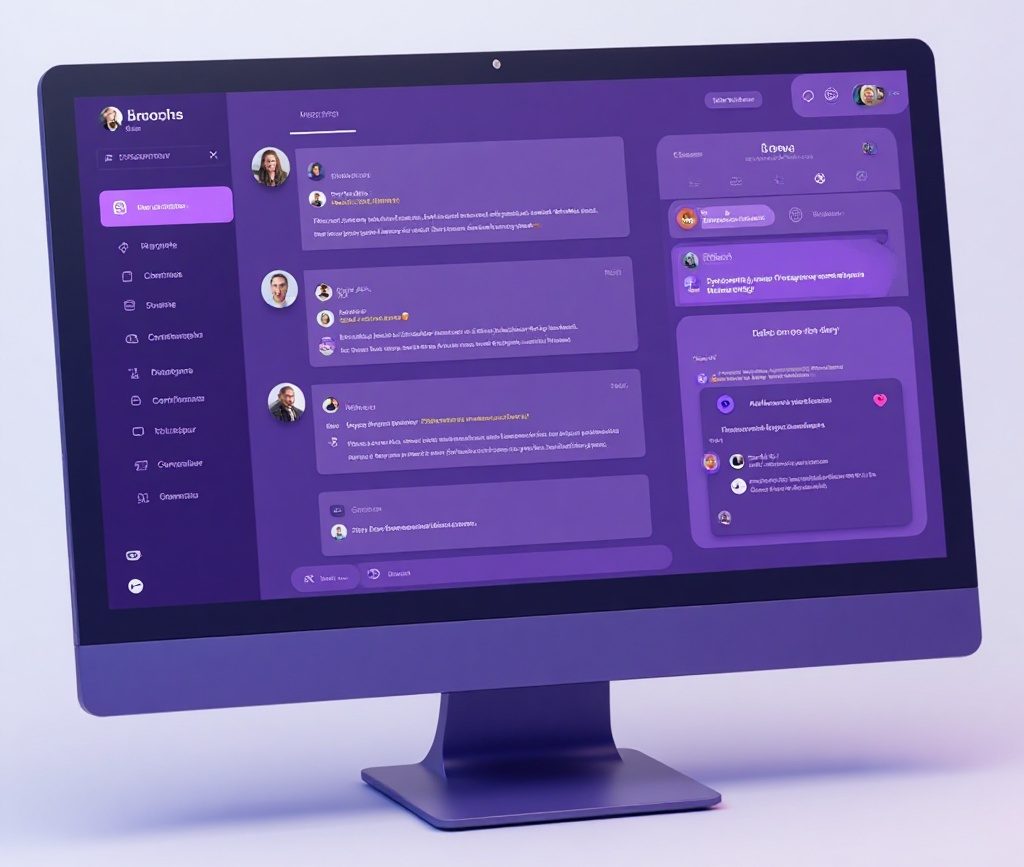
Slack is made for collaboration and communicating in the office. Channels for file sharing and conversation can be created by users. A company might have a #random thread where anything goes, a channel dedicated to goofy pet images, and channels for Client A and Client B. With less emails, it’s a practical approach to arrange discussions and avoid sorting through pointless material.
Although co-editing is not permitted on the site, this software also enables employees to share and work together on files. The “huddle” function makes it simple to initiate a video conversation if people wish to discuss anything aloud.
Pros
- Connects to more than 2,600 applications, such as Jira, Asana, and Google Workspace
- Users may respond and collaborate on projects while on the go with this mobile app.
- Channels that are well-organized and reduce email clutter
- Ideal for brief team updates and real-time messaging, such as “Hey! I just sent Katie the completed spreadsheet.”
Cons
- Can result in notification overload, particularly if coworkers bombard the chat with sporadic updates and memes.
- Fewer integrated meeting and video solutions, particularly when compared to Teams and Zoom
- The free plan has limited storage and messaging.
For teams looking to interact quickly without the commitment of a phone call or video, Slack is a good choice.
Dropbox (46%)
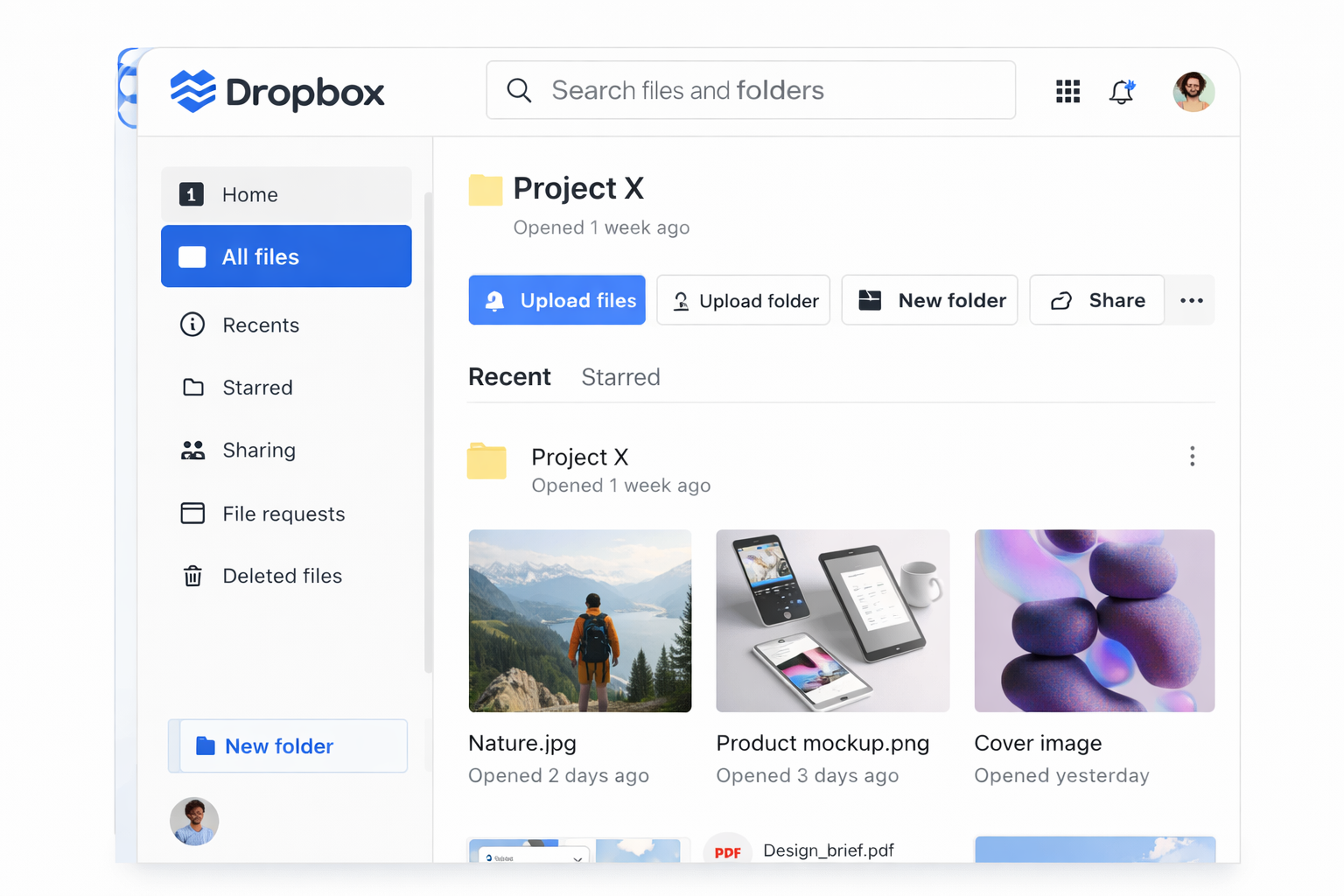
Dropbox is a cloud storage solution that’s perfect for remote file sharing and access. It enables users to share a wide range of assets, including design mock-ups, hour-long videos, and simple papers. It is frequently used by businesses to backup important files.
Users can collaborate on files at the same time using the app’s collaborative editing features. For example, a videographer might share the most recent version of a commercial with the marketing team, while a sales team might collaborate on a presentation prior to pitching a prospective client.
Nevertheless, Dropbox’s communication capabilities are restricted. Although you can comment on files, you are unable to video call or communicate with other users. You’ll need to utilize a separate site if you want to discuss what you’re editing in detail.
Pros
- Compatible with numerous systems for collaboration, such as Microsoft Office and HubSpot
- Simple mobile access
- Beneficial for distant teams handling huge documents or multimedia that cannot be transmitted over email
- Dependable cloud storage so you don’t have to worry about your information disappearing
Cons
- You must go through a complex setup procedure if you wish to access files offline.
- It has few communication features and is mostly a storage tool.
- Paid plans can be costly, especially for big teams.
Consider pairing Dropbox with another communication app if you work with other staff members on a regular basis. If not, you’ll probably become irritated when attempting to communicate through comments.
How To Choose Communication & Collaboration Apps for Your Team?
Although all of the communication apps on this list have ardent supporters, not everyone is a good fit for them. Before you download anything, take into account these factors:
- Ease of use: Don’t add days-long training sessions to your team’s already heavy workload. To rapidly get staff (and yourself) up to speed, look for a mobile app with an easy-to-use UI.
- Integration and ecosystem: Instead of totally upending your current tech stack, communication apps should enhance it. Select a platform that integrates with the calendars and project management software that your team currently uses.
- Security and compliance: For remote teams, protecting sensitive information can be particularly difficult. A data breach can be caused by a single stolen laptop or a weak password (“1234”). The finest communication applications use sophisticated administrative controls and encryption to help avoid this. Additionally, they adhere to the General Data Protection Regulation (GDPR), the Health Insurance Portability and Accountability Act (HIPAA), the System and Organization Controls 2 (SOC 2), and other privacy laws.
- Mobile performance: The last thing you want is for your mobile app to deplete your phone’s battery during a demanding workweek. Before you commit, do some research on battery usage. You might also want an offline-capable app if you spend a lot of time offline. Real-time syncing and accessibility tools are additional essential aspects.
- Collaboration features: Would you rather use video, messaging, or both to connect with your coworkers? Choose an app that has the appropriate tools. Tools for project management and file sharing can enhance teamwork. You might also value automation software if you spend a lot of time on tiresome jobs.
- Scalability: Is the app intended for a small number of users, or can it help your team grow? Take note of pricing tiers as well. Some platforms are reasonably priced at first, but they cost a lot for more sophisticated features.
- Cost and licensing options: Look for a tool that meets your budget, even though this may seem apparent. While some apps have enterprise or per-user pricing, others provide paid solutions.
You don’t have to choose just one choice, of course. Mix and match apps to get all the capabilities you require if none meets your needs.
Level Up Your Collaboration With the Right Mobile Apps
In today’s job, flexibility is crucial. Many workers have remote or hybrid jobs, and their schedules may vary greatly. Mobile collaboration tools are crucial for these dispersed teams to maintain harmony.
While Slack is ideal for frequent chatters, Microsoft Teams and Zoom are excellent for video conferences. Dropbox has the fewest communication options, but it’s excellent for sharing files. The secret to meeting all of your needs is selecting the appropriate combination.
Spend some time determining the needs of your team and experimenting with various platforms. You can increase your productivity and communicate more easily and openly than before with clever app shopping.